Plan the week, shop once, cook what you have
Pick meals you like, put them on your calendar, shop from one list and cook step by step. For you alone or the whole family.

Free to download. KachFit Pro is optional.
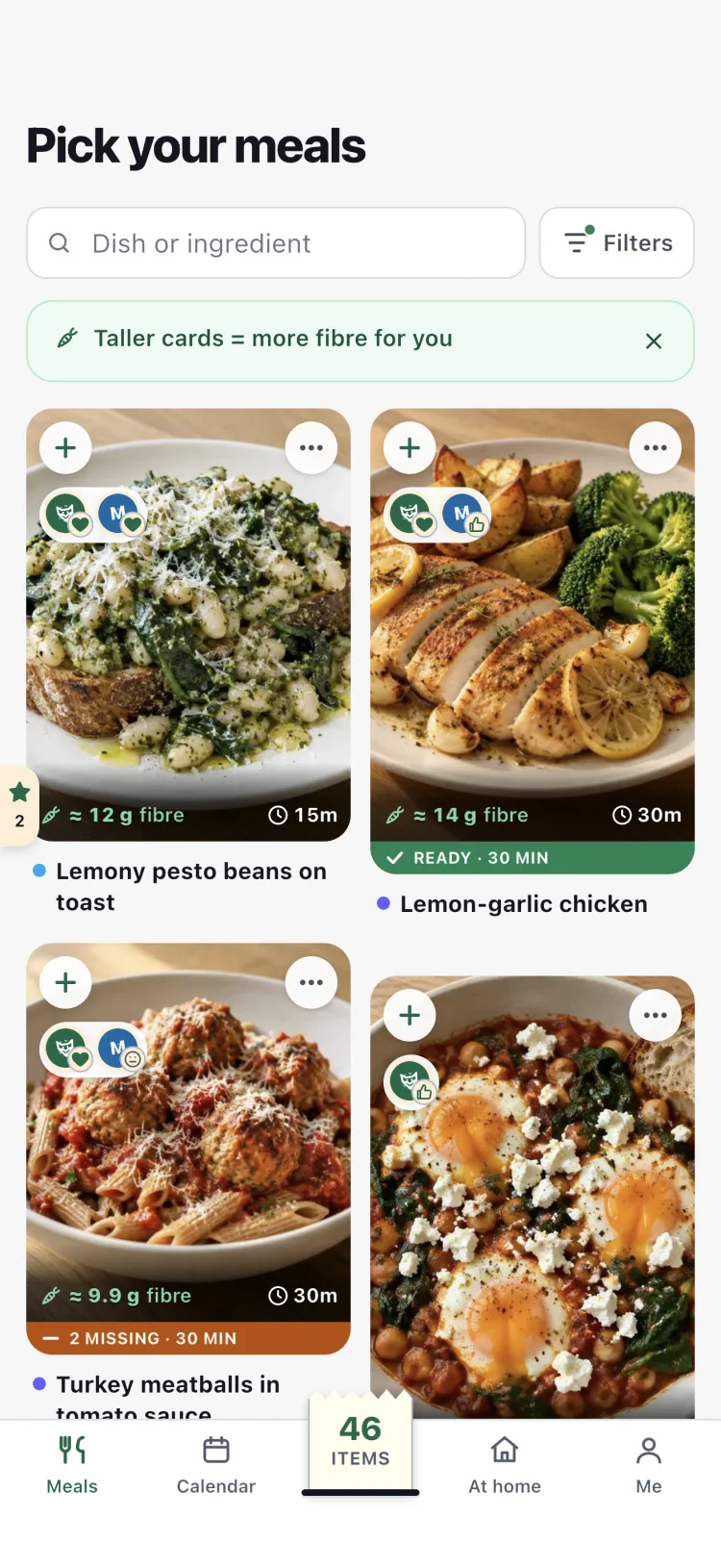
How it works
- 1
Pick meals
Browse meals with a photo, the time and the nutrition. Tap + on the ones you like.
- 2
Plan them on the calendar
Put each meal on a day, or let Fill my week fill the free days.
- 3
Shop from one list
Everything for the days you choose, minus what is already at home.
- 4
Cook step by step
Cook mode shows each step with what it needs and runs the timers.
Real food, ready in minutes
Recipes for breakfast, lunch, dinner, snacks and dessert, each with a photo, the time it takes and estimated nutrition per portion, shown as small symbols.

Ham & egg scramble
12m
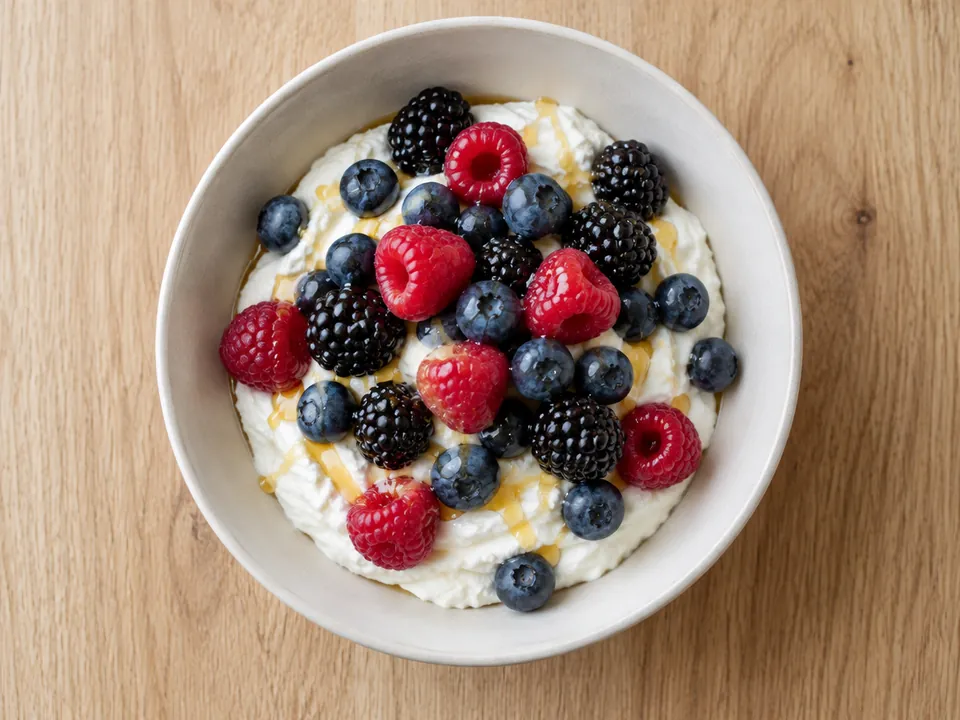
Quark berry bowl
5m
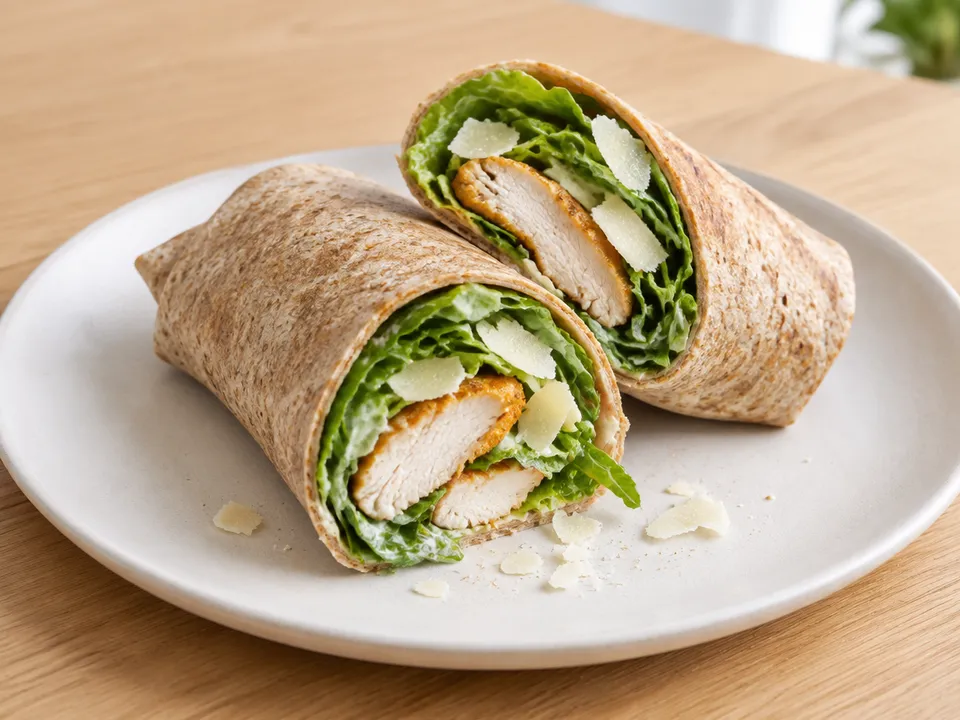
Chicken Caesar wrap
15m
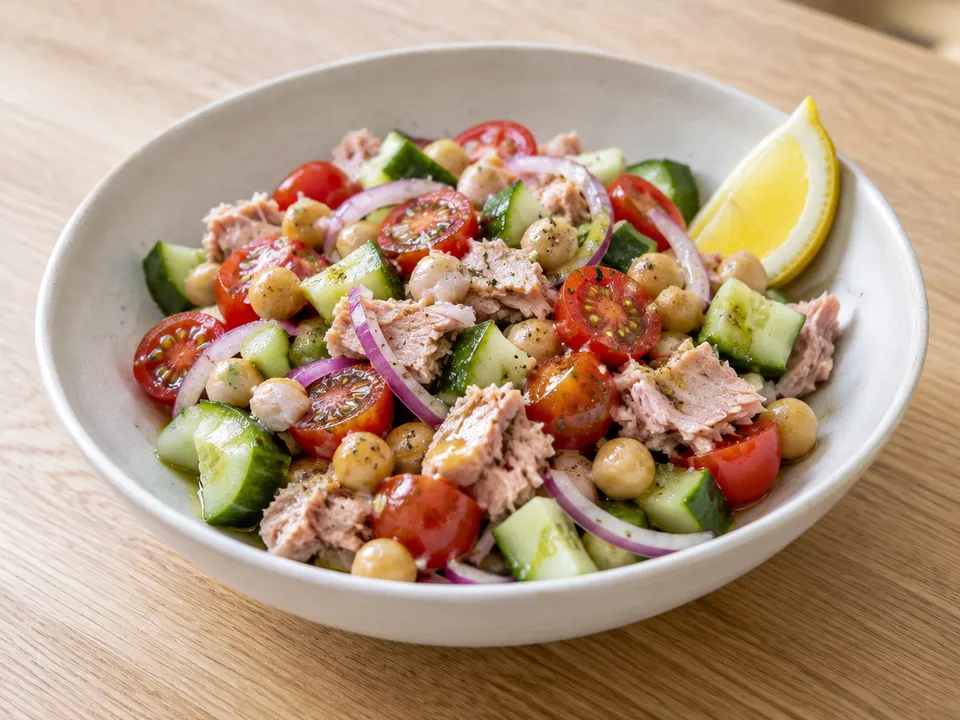
Tuna & chickpea salad
10m
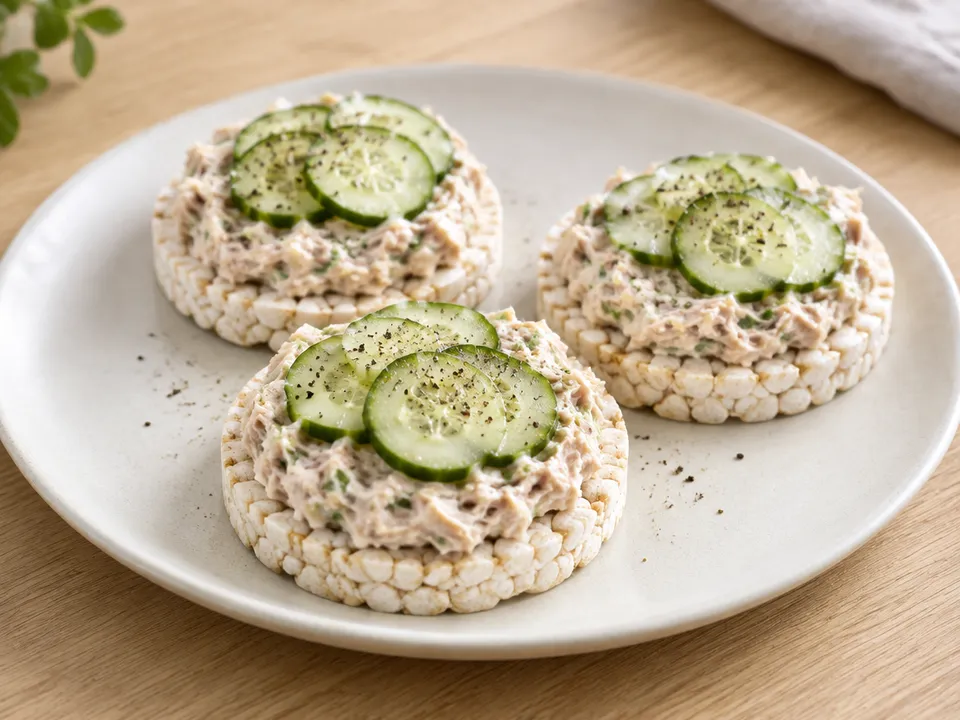
Tuna & cucumber rice cakes
5m

Banana & peanut protein shake
3m
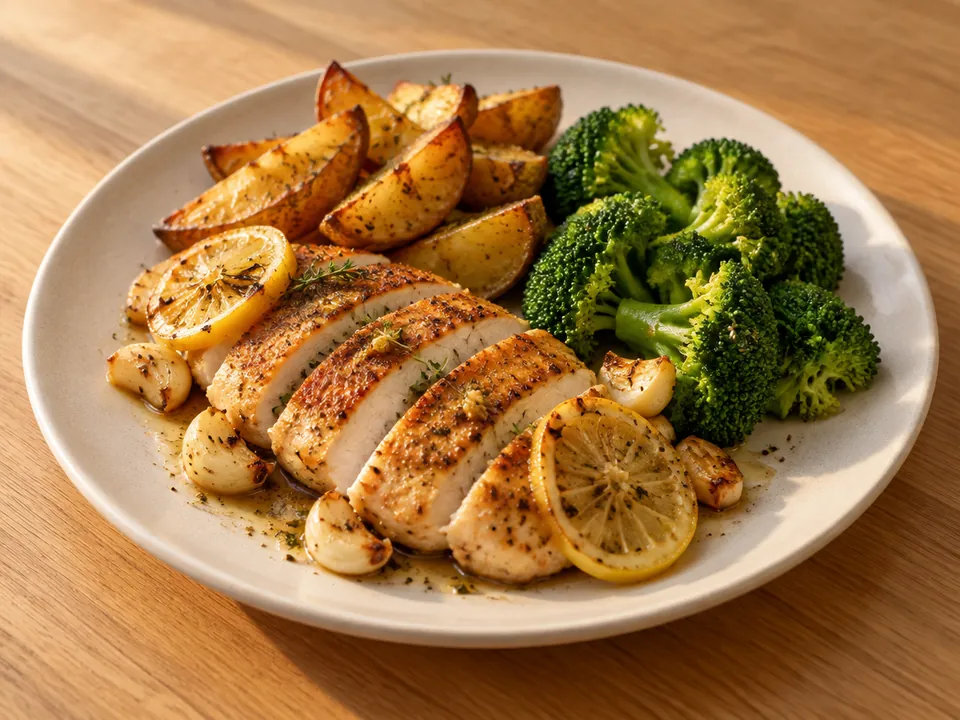
Lemon-garlic chicken
30m

Turkey & bean chili
25m
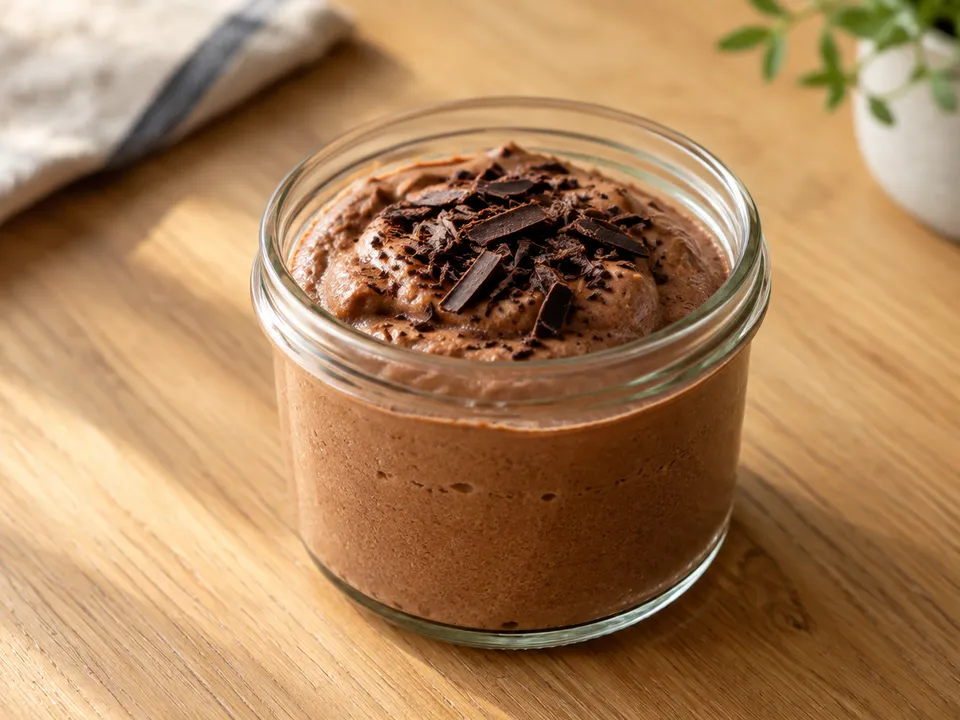
Chocolate protein mousse
5m
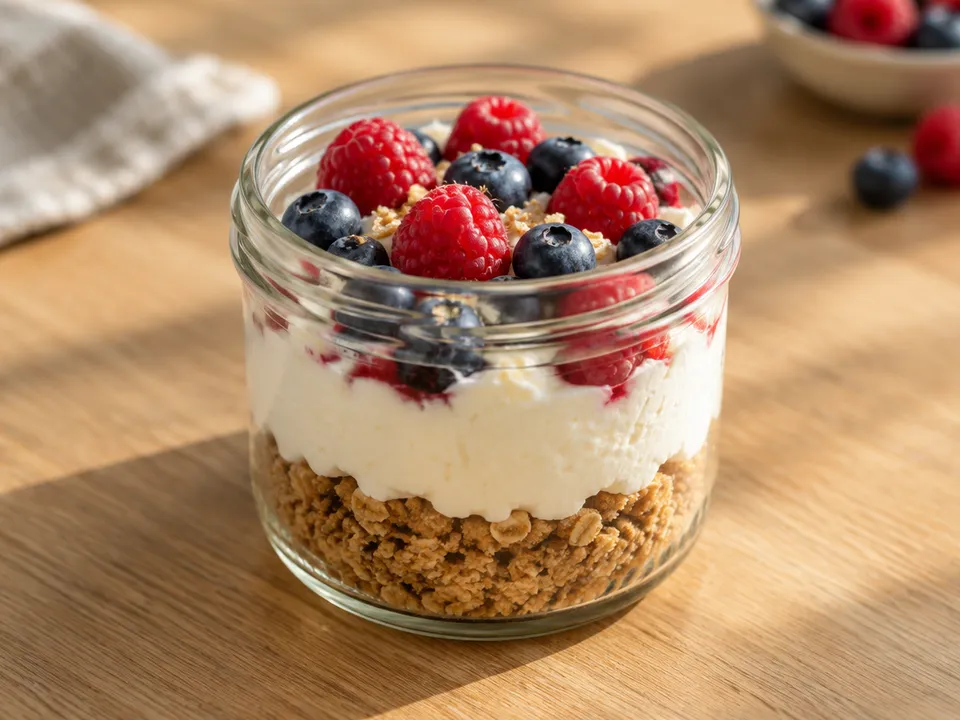
Berry cheesecake cup
7m
Calendar
Your meals on a calendar
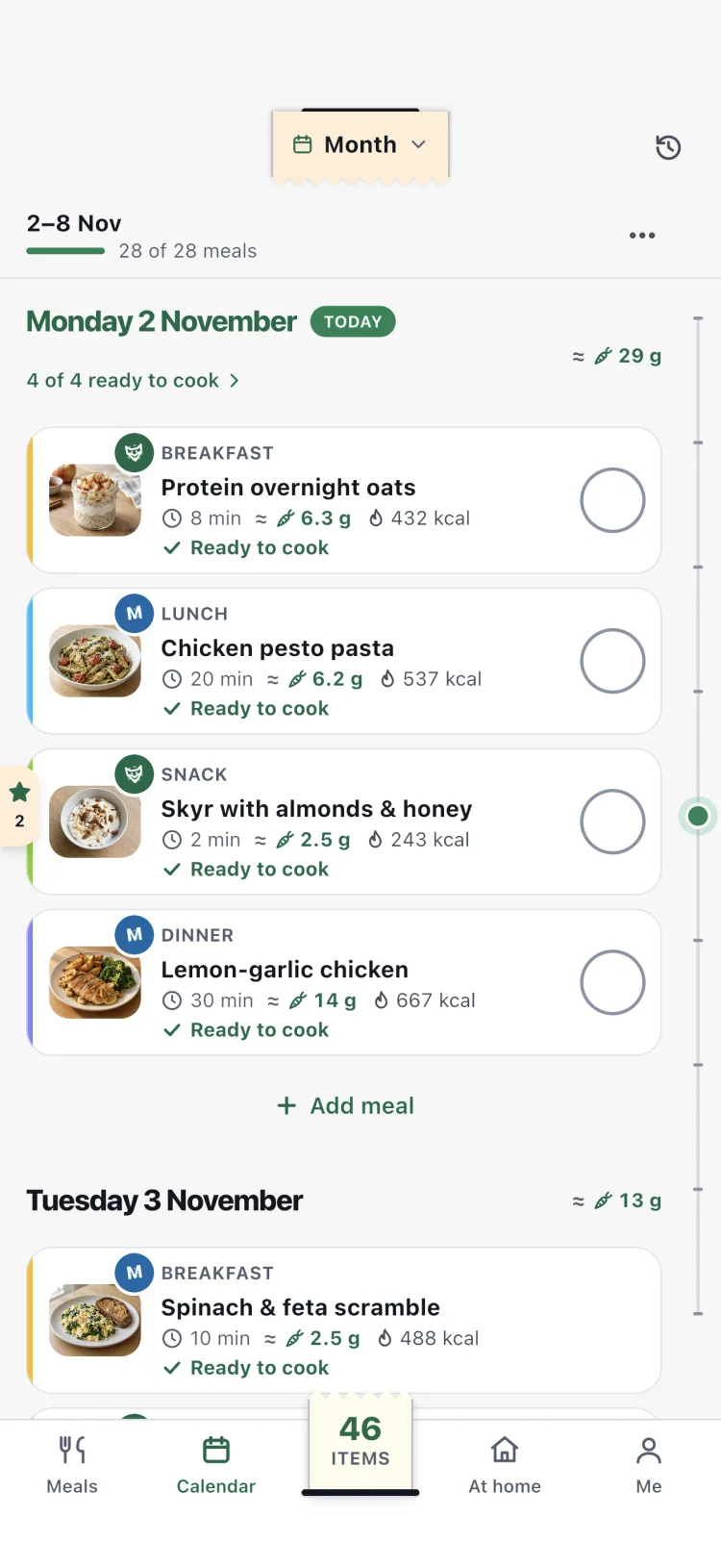
Scroll through the days, with today always marked. Switch to Month to see the weeks at a glance.
- Look back at past weeks and plan the ones ahead
- Fill my week suggests meals for the free days, your favourites first
- A reminder tells you when to start cooking, so the meal is ready on time
Family
Family at the table
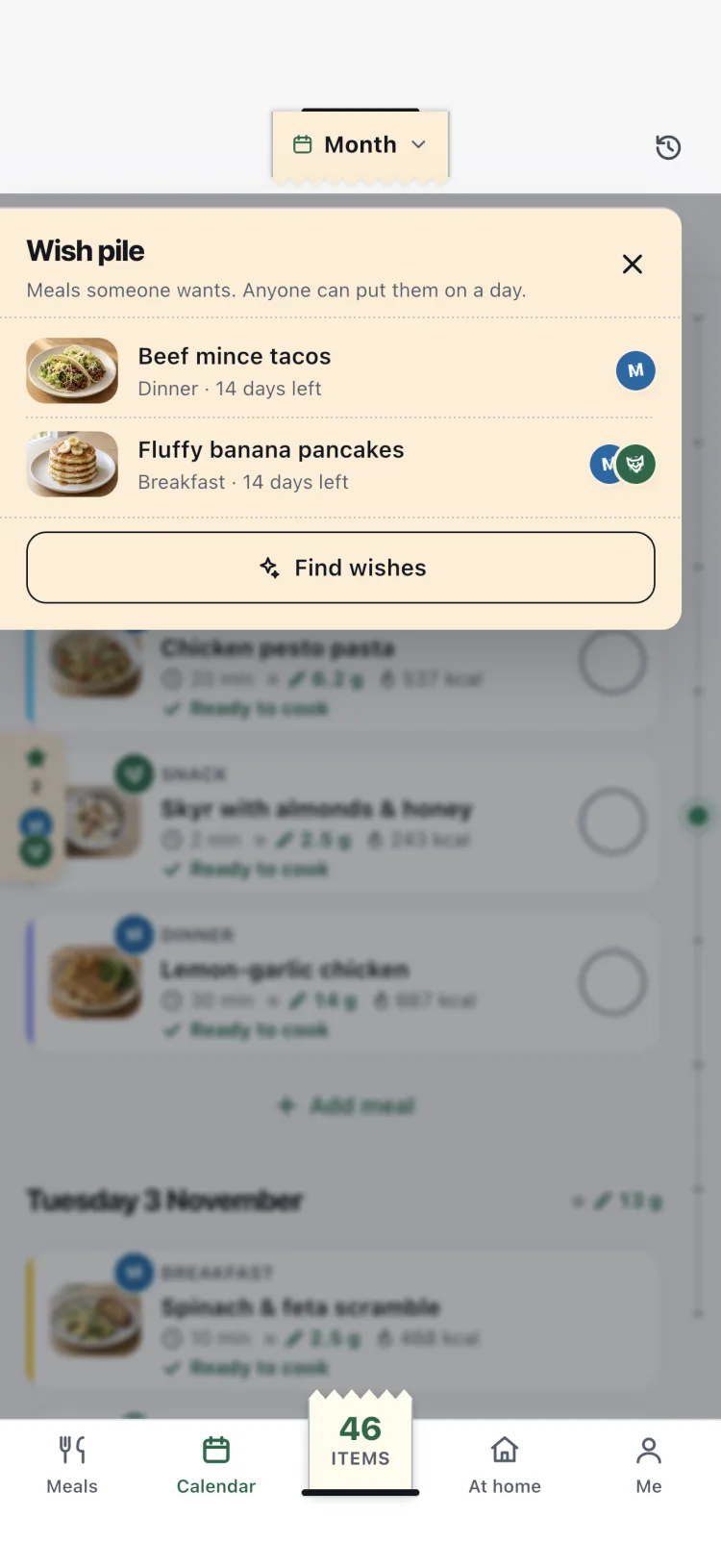
Invite the people you live with. Plan together or keep a plan each, and shop from one list.
- Everyone has a colour and a stamp
- See who put each meal on the plan
- Say what you think of each meal
- Swipe meals onto the wish pile: anyone can put a wish on a day
Reactions
- Love
- Like
- OK
- Not for me
- Never
At home
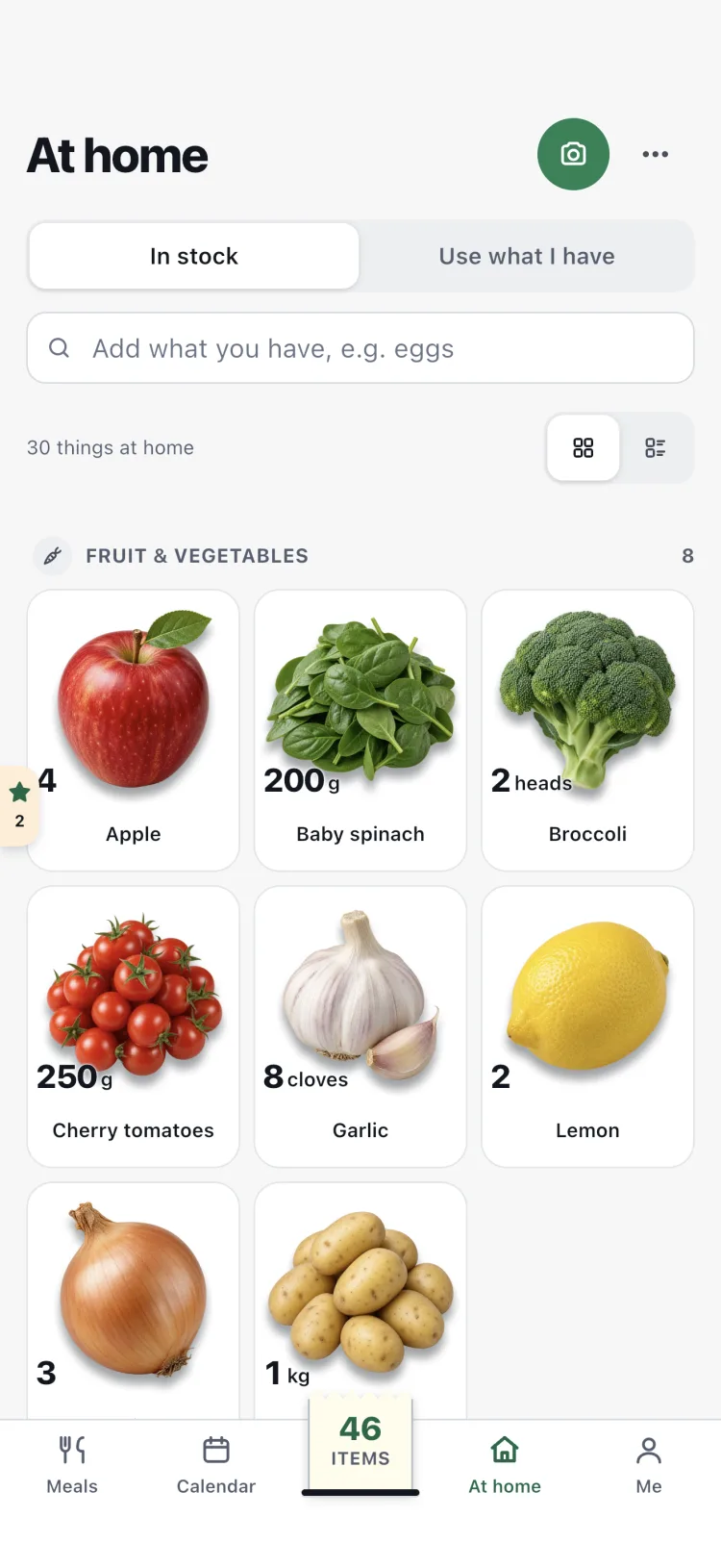
Your shelves at home
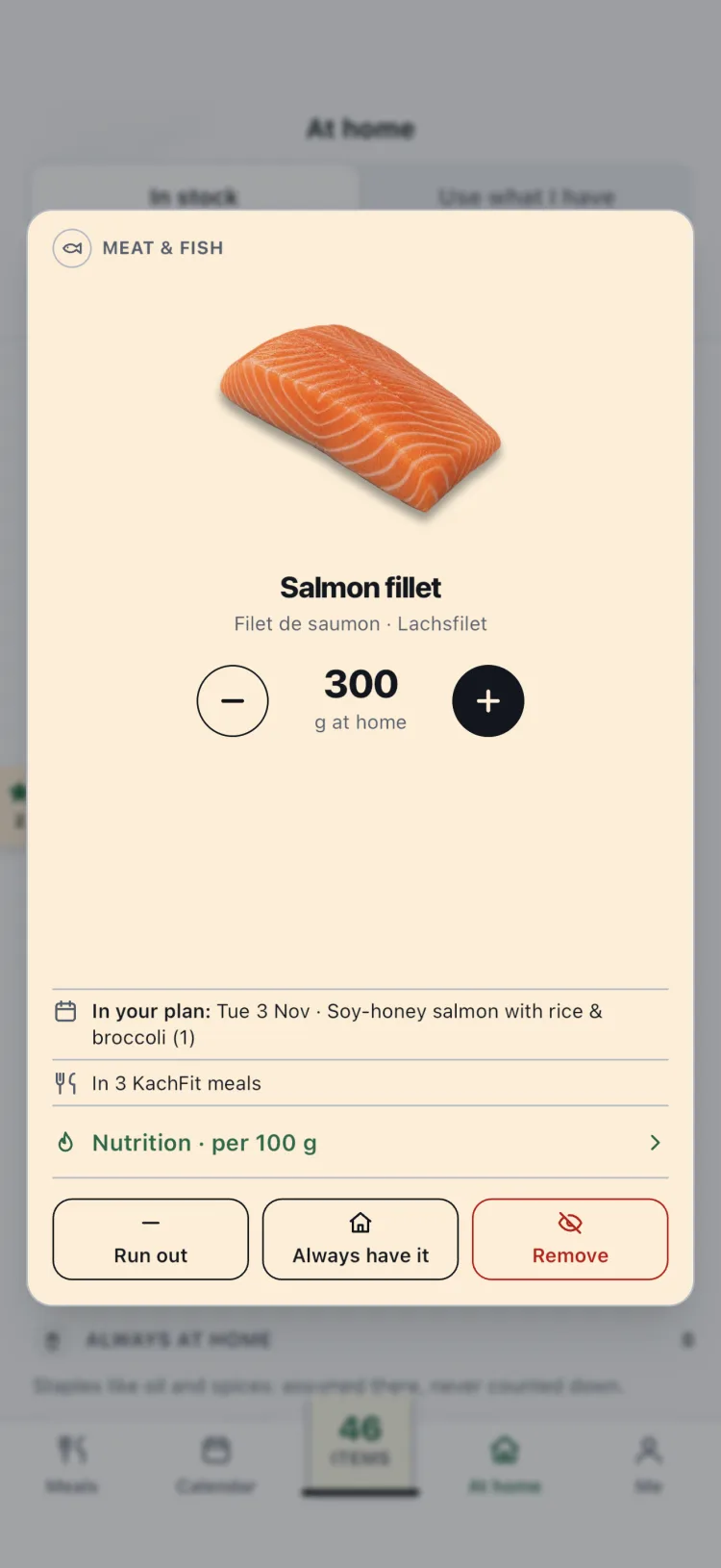
At home shows what you have: a picture of each ingredient, with its amount as a price tag. Shopping and cooking keep it up to date.
- Tap an ingredient for its card, with nutrition per 100 g
- Use what I have: up to 10 meals from what is there, ready ones first
- Take a photo of your groceries or the fridge instead of typing
Photos are read by Mistral AI in France, only after you agree. KachFit does not keep them.
List
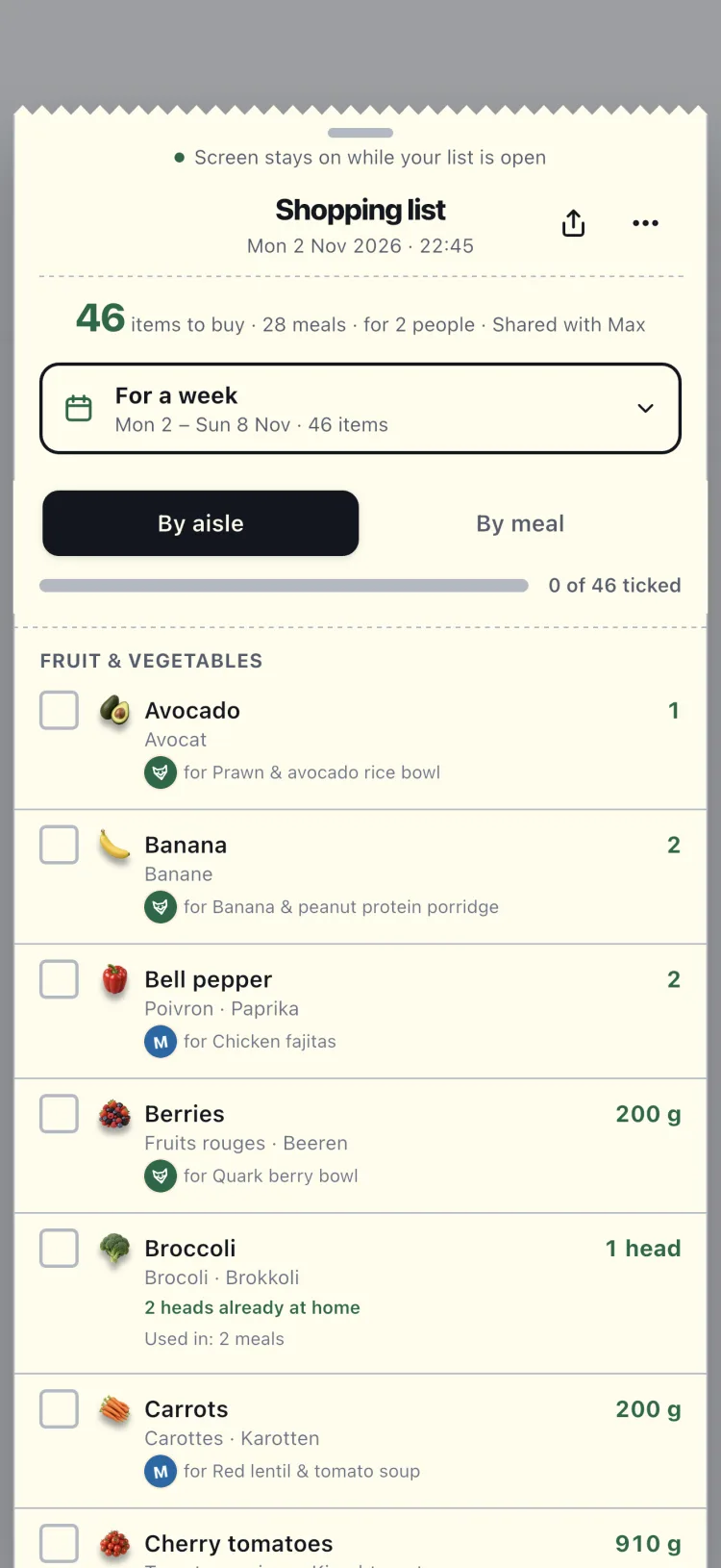
A shopping list like paper
One list for the days you choose, sorted by aisle, with a picture on each line. Tick things as they go in the basket: they go straight into At home.
- Shopping mode keeps the screen on and shows only the list
- Bought more or less? Change the amount on the ticked line
- Scan the receipt: you choose whether its amounts replace your ticks
- Receipts are kept with the shop and every price
- A reminder after shopping, so the receipt is not forgotten
Cook mode
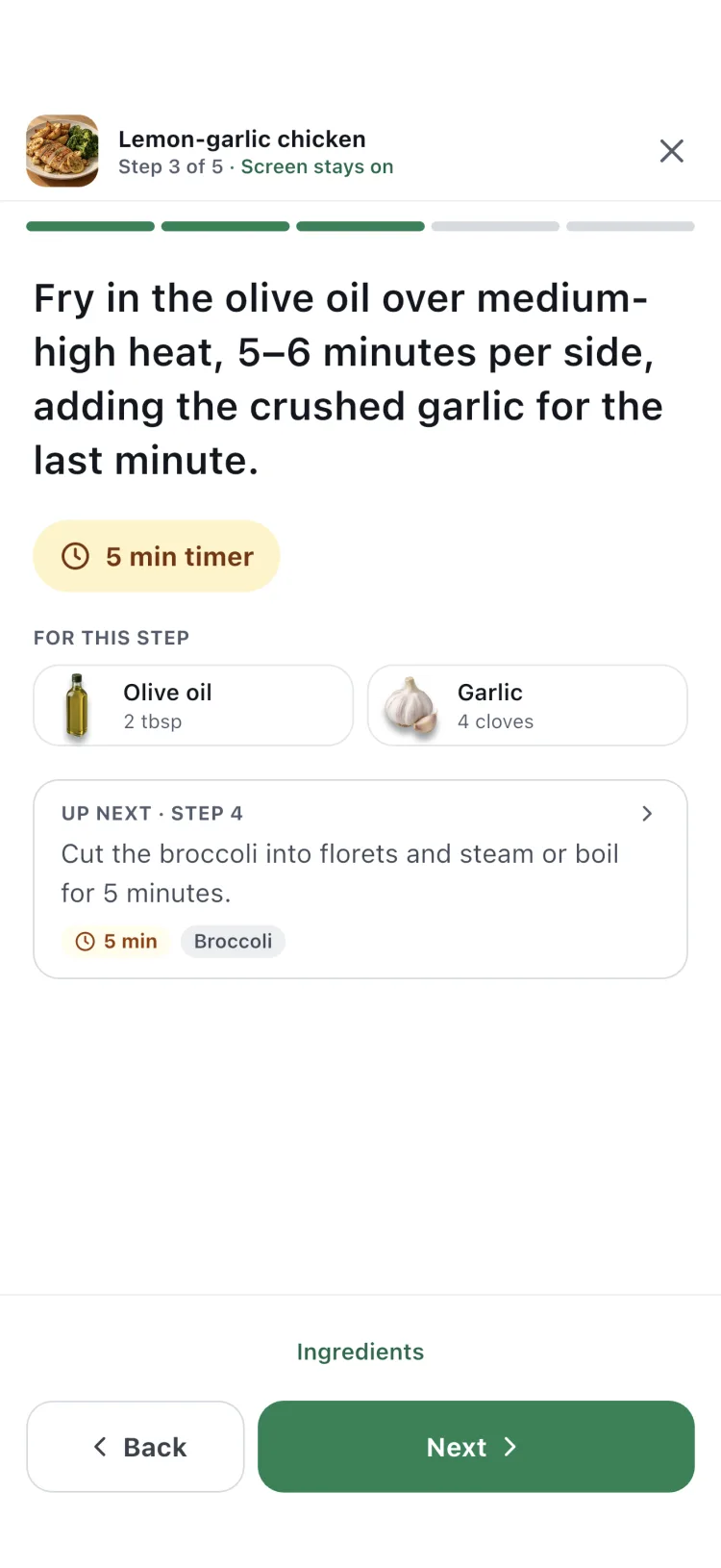
A cooking screen made for the kitchen
The screen stays on and the text is big enough to read from the counter.
- Before you start: what to put on first and what to get ready
- The ingredients for each step, with amounts
- One-tap timers that keep running while you move on
- Cooked it: rate the meal and add a note
Meal diary
A photo of every meal you cook
Add a photo after you cook and watch your month fill up: meals cooked at home, weeks in a row and your most cooked dish.
- Only you and your household see the photos
- No AI, unless you agree to Kitchen stars hints
- Part of KachFit Pro

Nutrition per portion
Know what you eat
Every recipe shows calories, protein, carbs, fibre, fat, sugars and salt per portion, calculated from its ingredients.
- Small symbols on every card, so more values fit
- A goal per meal, at least or at most: meals that miss it are hidden
- Vegetarian, vegan or pescatarian; allergies and dislikes are left out
- Meals with your favourite ingredients come first
- Calories
- Protein
- Carbs
- Fibre
- Fat
- Saturated fat
- Sugars
- Salt
Values are estimates (≈), calculated from the ingredients with the CIQUAL 2020 food tables (ANSES). Check the packaging for exact figures.
My meals
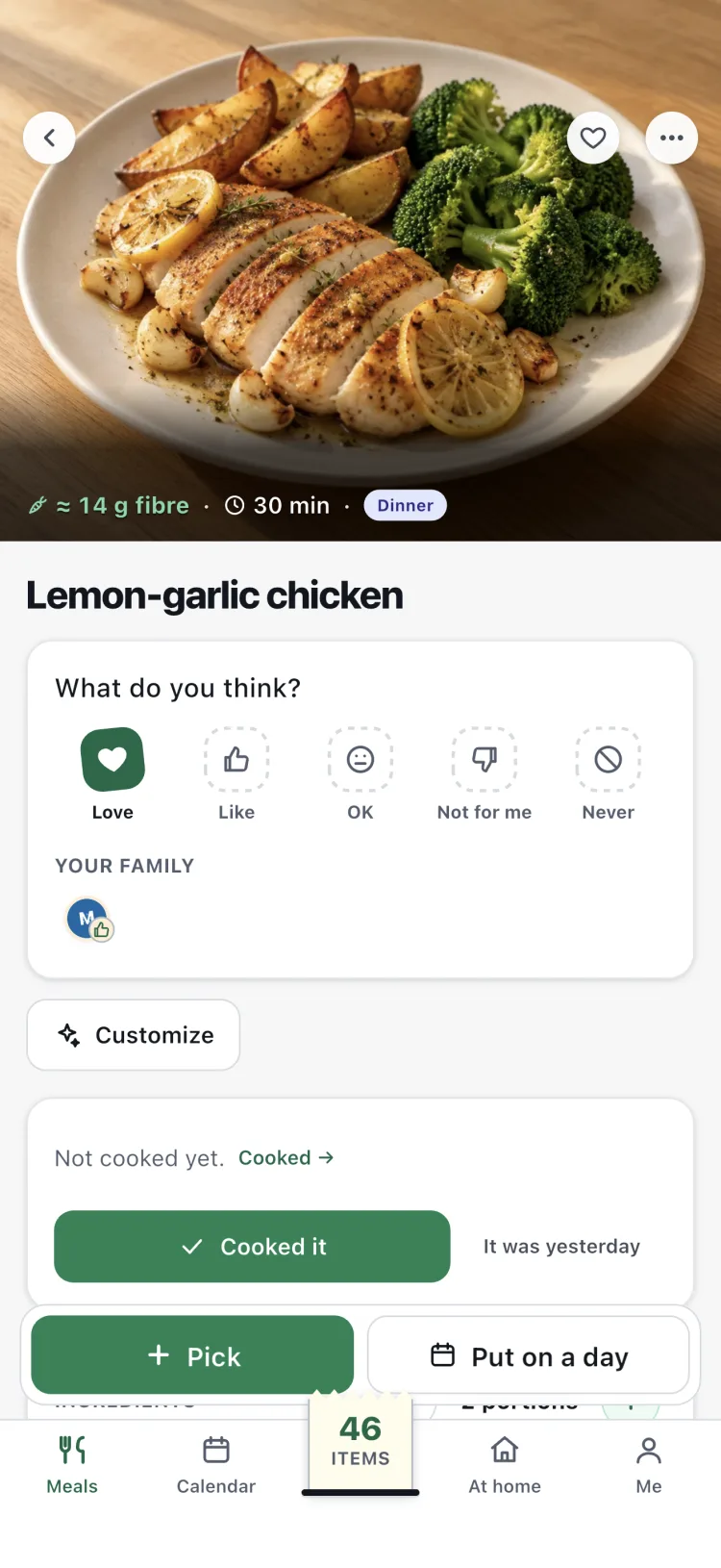
Make a meal your own
Copy any meal and change its ingredients, amounts and name. The nutrition follows.
- Keep a list of your go-to meals, each for the meals of the day you choose
- Fill my week your way: which days, where meals come from, how often one repeats
KachFit Pro
Free, or KachFit Pro
KachFit is free to use. KachFit Pro covers your whole household and gives you more room where you need it.
| Free | KachFit Pro | |
|---|---|---|
| Planning ahead | Today and the next 10 days | Up to 4 weeks ahead |
| Photo scans | 10 a week | 30 a week |
| What you cooked | The last 3 days | Your whole history |
| Receipts | The last 30 days | Your whole history |
| My meals | Up to 3 | As many as you like |
| Meal diary photos | See your household's | Add your own |
| Everything else on this page | Included | Included |
Monthly or yearly: see the prices in the App Store. Cancel any time.
Speaks your language
Use KachFit in English, French, German or Luxembourgish. In Luxembourgish, the recipes show in German. Ingredient names can also show in the other languages: handy in any shop.
Try it: switch the language at the top of the page.
Questions
Is KachFit free?
Yes. Download it and use it for free: no card, no trial. KachFit Pro is optional and gives you more room, as shown above.
Is there an Android app?
Not yet. KachFit is on iPhone now; Android comes later. Until then, use KachFit in the browser on any phone or computer, with the same account. The newest parts, like the Calendar, family stamps and your shelves, come to iPhone first.
Can my family use it together?
Yes. Invite the people you live with. Plan one week together or a plan each; the shopping list adds everyone up. Everyone sees changes as they happen.
Who sees our reactions, wishes and meal photos?
Only the people in your household. When someone leaves, they no longer see them, and their reactions no longer show to the others.
How does KachFit know what I bought?
Ticking a line on the list puts its amount into At home; change it if you bought more or less. Scan the receipt afterwards and choose whether its amounts replace your ticks. Cooking a meal takes its ingredients out again.
How do I cancel KachFit Pro?
Bought in the app: on your iPhone, in Settings → Apple ID → Subscriptions. You keep Pro until the end of the period. Deleting your account does not cancel a subscription made with Apple.
What happens to my data?
We keep only what the app needs to work, never sell it and show no ads. Photos you scan are read by Mistral AI in France, only after you agree; KachFit does not keep them. Meal diary photos are seen only by you and your household. With Kitchen stars, Mistral AI in France can look at a meal photo to give a hint, only after you agree; no other diary photo is read by any AI. Read our privacy policy
Your next week, planned in minutes
Get KachFit on your iPhone and pick your first meals.
Free to download. KachFit Pro is optional.